Web Admin Dashboard
The Curio Web Dashboard, or “Dashboard,” is designed to simplify VR content management and tracking for educational institutions. To gain access to your school’s Dashboard, please email schools@CurioXR.org.
Key Features:
- Session Tracking: Monitor the time students spend in VR, including session frequency and duration. This data helps administrators understand engagement levels and adjust content to optimize learning outcomes
- File Upload Capabilities: Educators can easily upload various file types, such as PDFs, 3D objects, and images. Once uploaded, users within your institution’s domain can access these files directly in the Curio app by navigating to Content > PDFs > School Files.
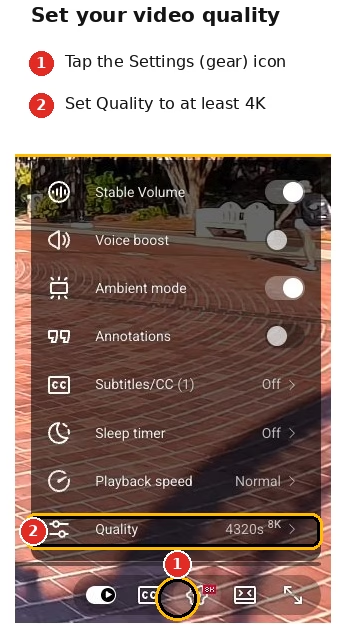
- YouTube Links: Manage the video links for quicker access to certain videos for your class.