Eastern Washington University (EWU) is demonstrating the true potential of immersive learning through its robust use of the Curio app on Meta Quest VR headsets. With over 1,000 hours logged in the 2024-2025 academic year, student engagement continues to rise across campus.
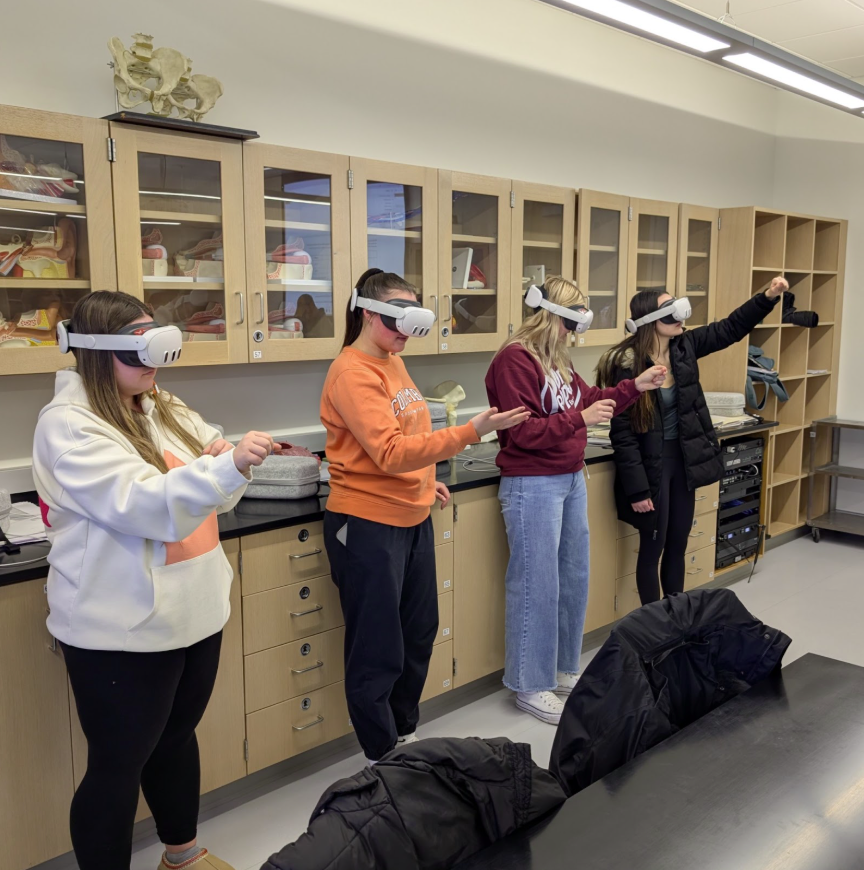
Eastern Washington University students using Curio in a science lab
Data-Driven Impact
A recent study at EWU revealed striking results among anatomy and physiology students using Curio in their lab courses:
Student retention improved dramatically—from 61–67% without VR to 83–86% with VR.
Average GPAs increased, jumping from 3.1–3.2 without VR to 3.21–3.46 with VR.
Students in the BIOL230 series consistently performed better, showing how easy-to-use, immersive learning translates to real academic gains.
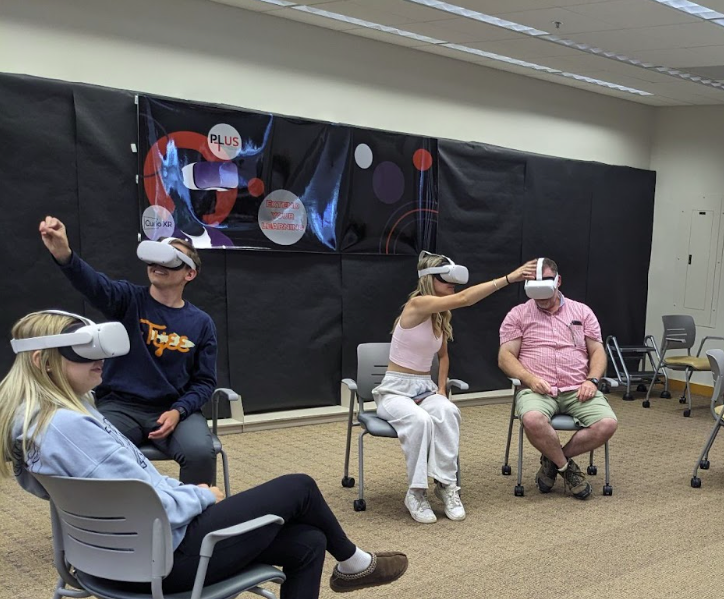
Eastern Washington University students engaging with interactive learning in Curio
Integration Across Campus
EWU identified strategic “sweet spot” locations for Curio deployment—high-traffic study areas, tutoring centers, and classrooms where student use naturally flourished. The Learning Center has played a central role in supporting Curio use across disciplines, helping integrate the platform beyond the classroom, linking departments, and increasing access. What began with BIOL 232–234 has expanded into chemistry, dental hygiene, and other courses, creating new opportunities for student success and faculty collaboration. EWU is actively engaging faculty to use Curio in their classrooms and is also using it for one-to-one and small-group tutoring in the campus learning center.
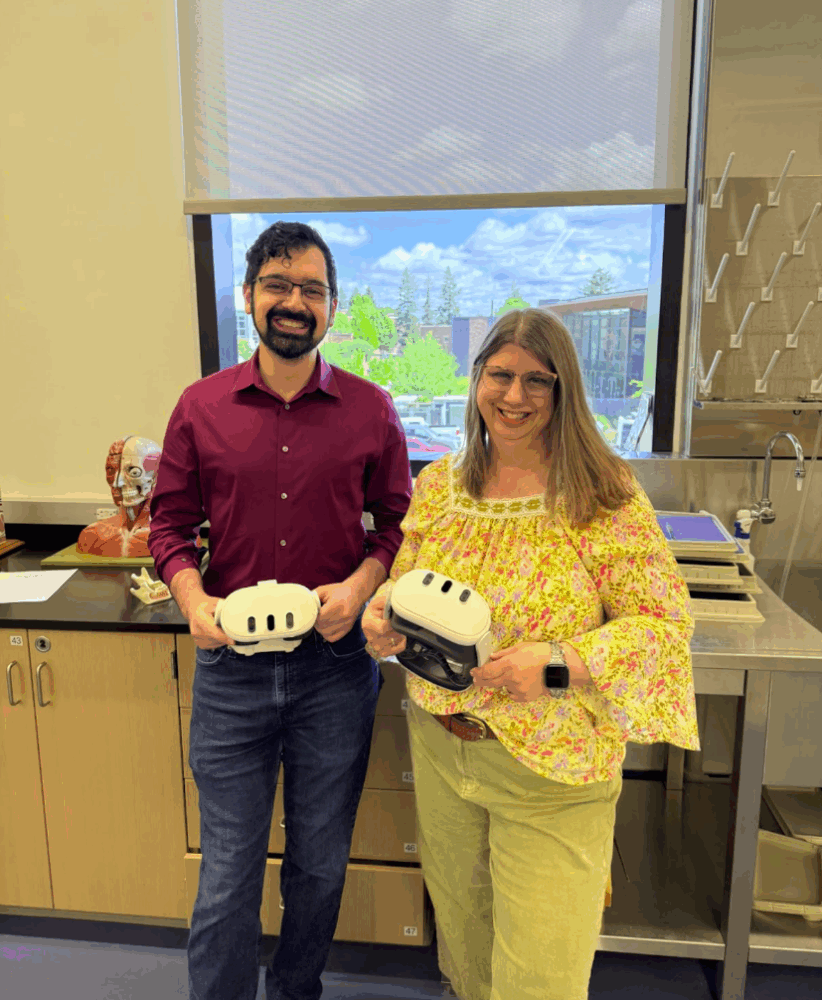
From left: Samer Alrayes, EWU Retention Specialist, and Caroline Dias, EWU Director, Program Leading to University Success (PLUS)
The link below will open the 360° video tour on YouTube. For the best experience:
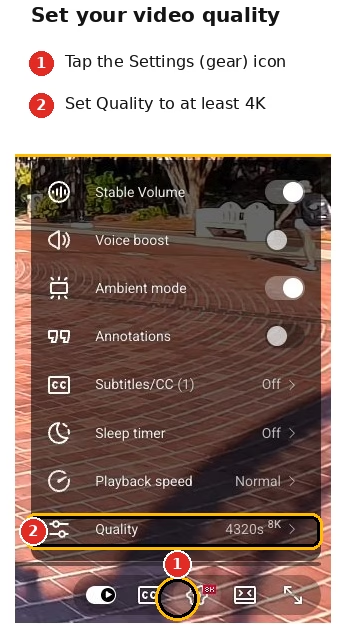
Increase the video quality in the YouTube video player settings as high as possible (see image on right).
Give the video a moment to load, especially at higher resolutions. Because 360° video files are huge, the video may look blurry at first if YouTube defaults to a lower resolution. If you have a slow internet connection, you may experience buffering when viewing in high quality.
Make sure to ‘look around’ the 360° video using your mouse, finger, or phone movement.