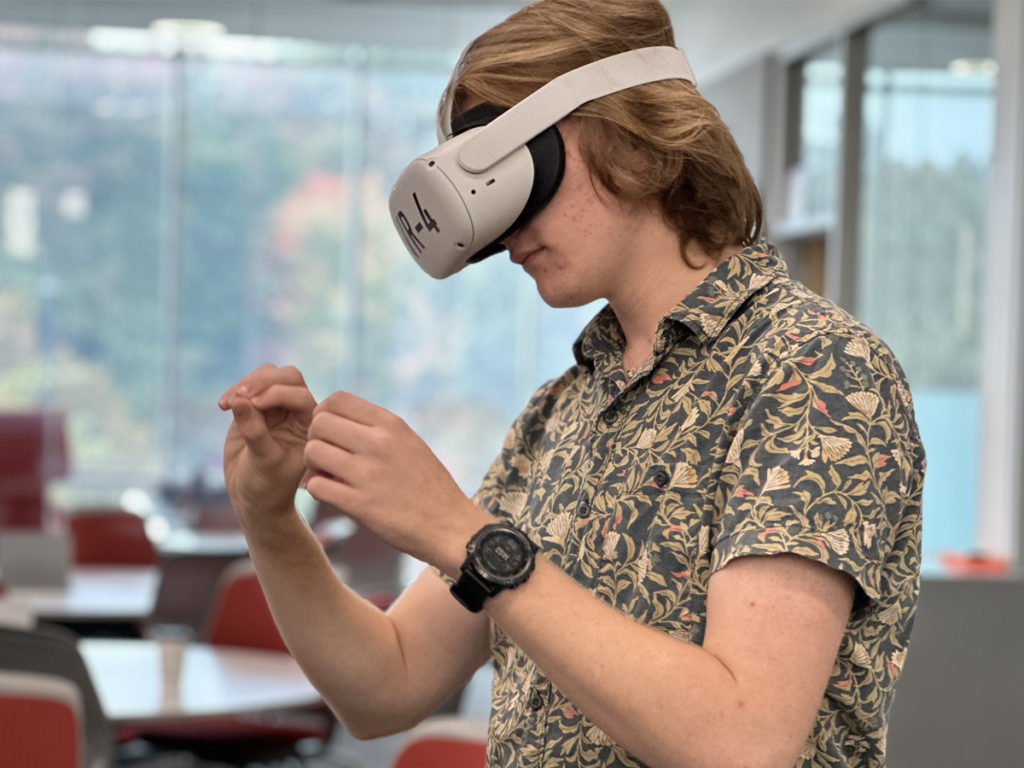
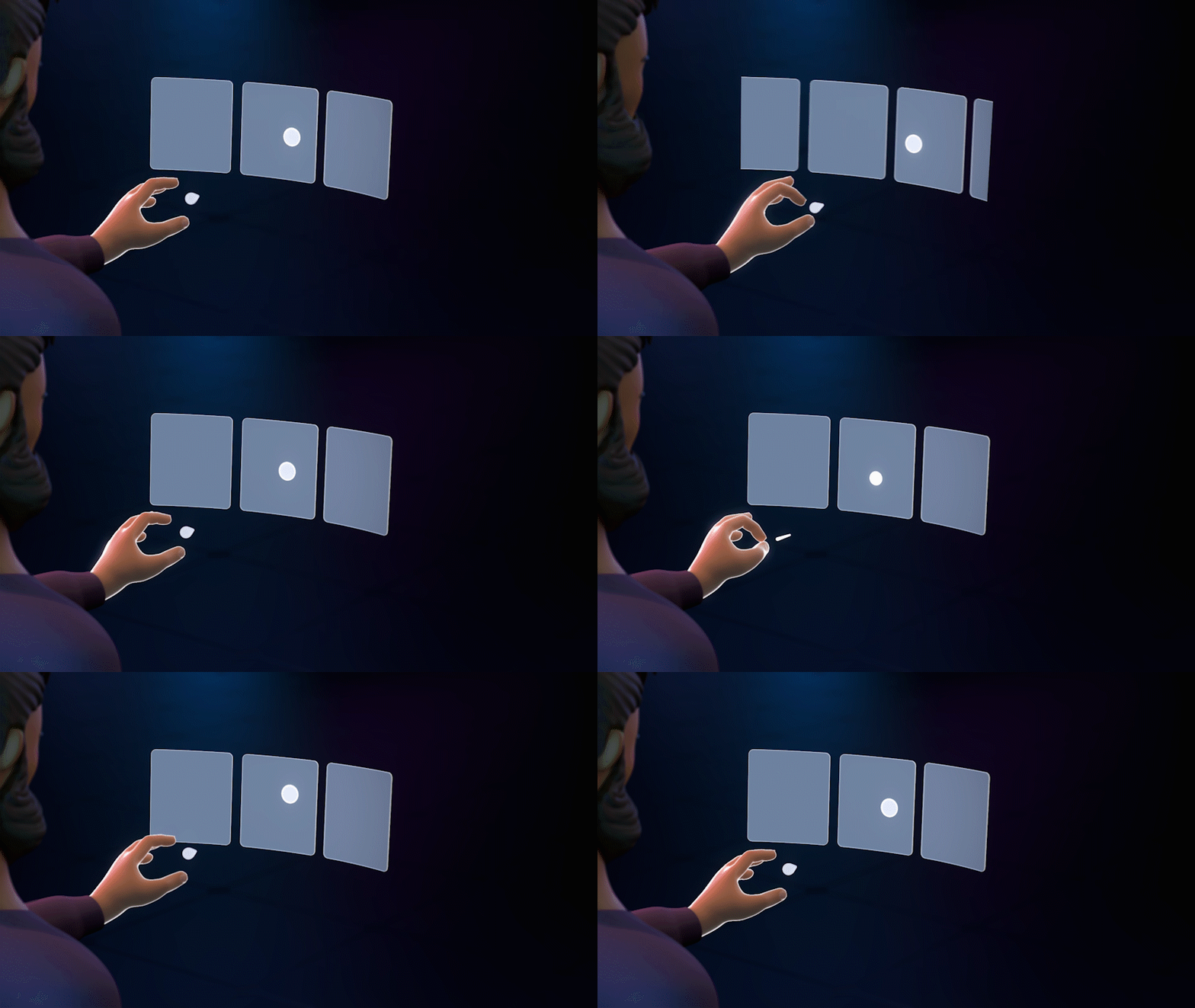
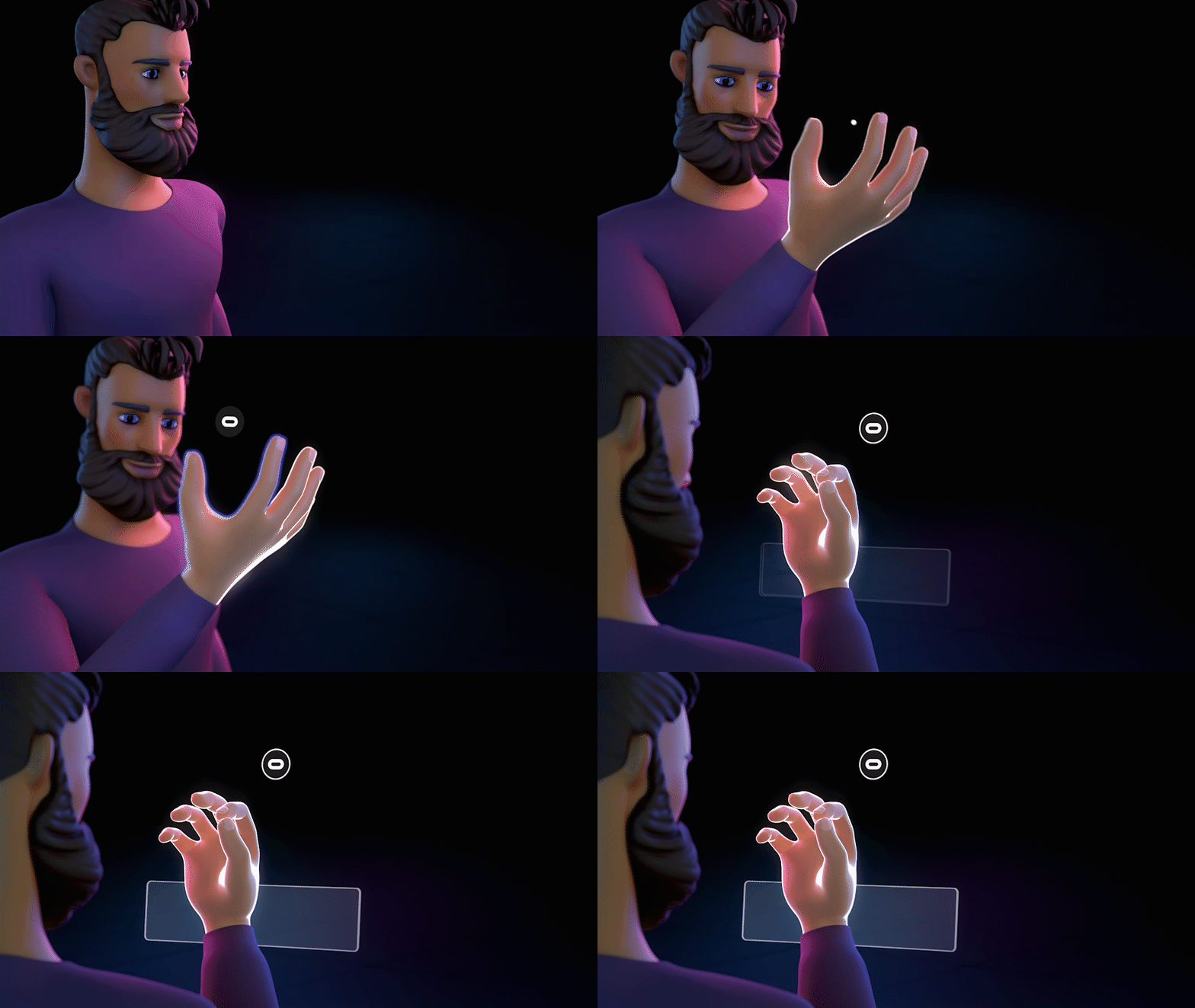
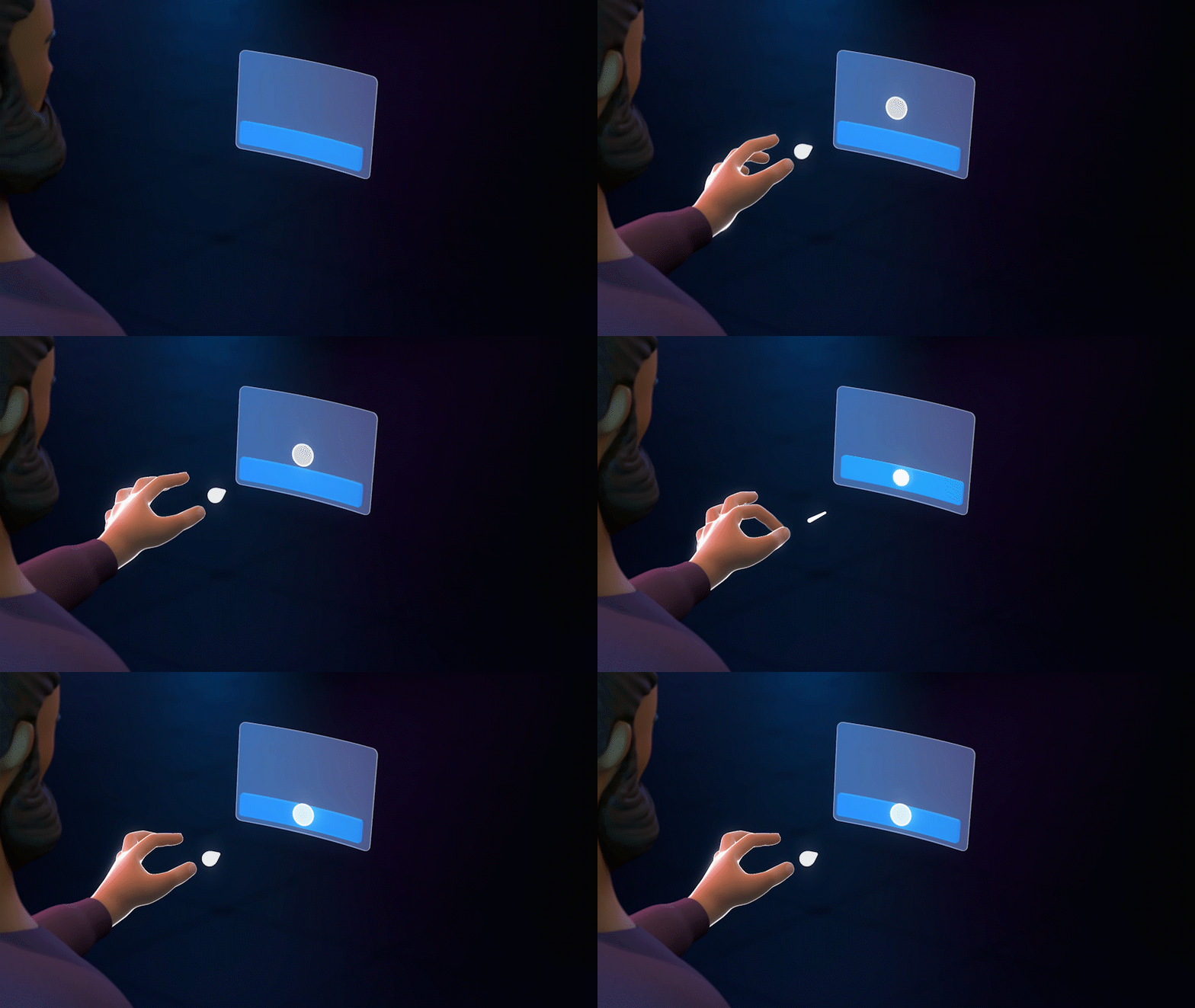
Our VRIG is a Google Doc available free of charge to any educational institution seeking information about how to get started with virtual reality/augmented reality. In it you’ll find lots of tips and techniques for setting up headsets, using the Curio app, how to record and export videos, troubleshooting, and more. Check out the VRIG and let us know your thoughts.
Everything You Need To Know
It was written collaboratively by the team at Curio along with our partners at many colleges and universities that are using the Curio app. Updates are made every month, and contributions (through the ‘Comments’ feature of Google Docs) are always welcome!
Click below to access the Virtual Reality Implementation Guide (VRIG).
Below is some of the content found in the Virtual Reality Implementation Guide (VRIG). Reach out if you have a request for a new section in the VRIG or if you’d like to schedule a demo of the VR/AR app.
The link below will open the 360° video tour on YouTube. For the best experience:
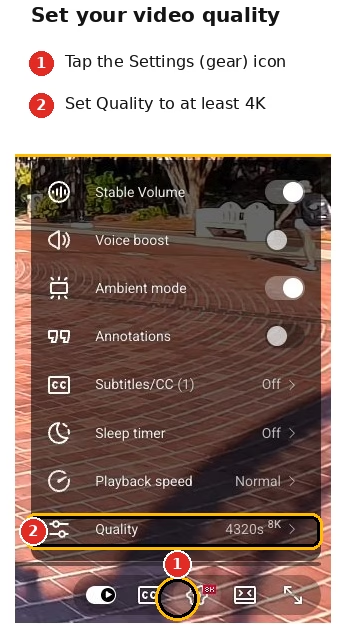
Increase the video quality in the YouTube video player settings as high as possible (see image on right).
Give the video a moment to load, especially at higher resolutions. Because 360° video files are huge, the video may look blurry at first if YouTube defaults to a lower resolution. If you have a slow internet connection, you may experience buffering when viewing in high quality.
Make sure to ‘look around’ the 360° video using your mouse, finger, or phone movement.